Last updated: November 4, 2026
All 24 Galaxy AI languages
| Language | Regional versions | Language | Regional versions |
|---|---|---|---|
| Arabic | — | Japanese | — |
| Chinese | China mainland, Hong Kong, Taiwan | Korean | — |
| Dutch | — | Malay (new) | — |
| English | Australia, India, UK, U.S. | Polish | — |
| Filipino | — | Portuguese | Brazil, Europe |
| French | Canada, France | Romanian | — |
| German | — | Russian | — |
| Gujarati | — | Spanish | Mexico, Spain, U.S. |
| Hindi | — | Swedish | — |
| Hungarian (new) | — | Thai | — |
| Indonesian | — | Turkish | — |
| Italian | — | Vietnamese | — |
Samsung notes that regional versions do not count as separate languages. That's why English counts once even though there are four versions.
This list applies to the translate, transcribe and summarize features: Live Translate (in Call Assist), Interpreter, Note Assist and Transcript Assist.
What changed in October 2026
| Feature | Before | After | Added |
|---|---|---|---|
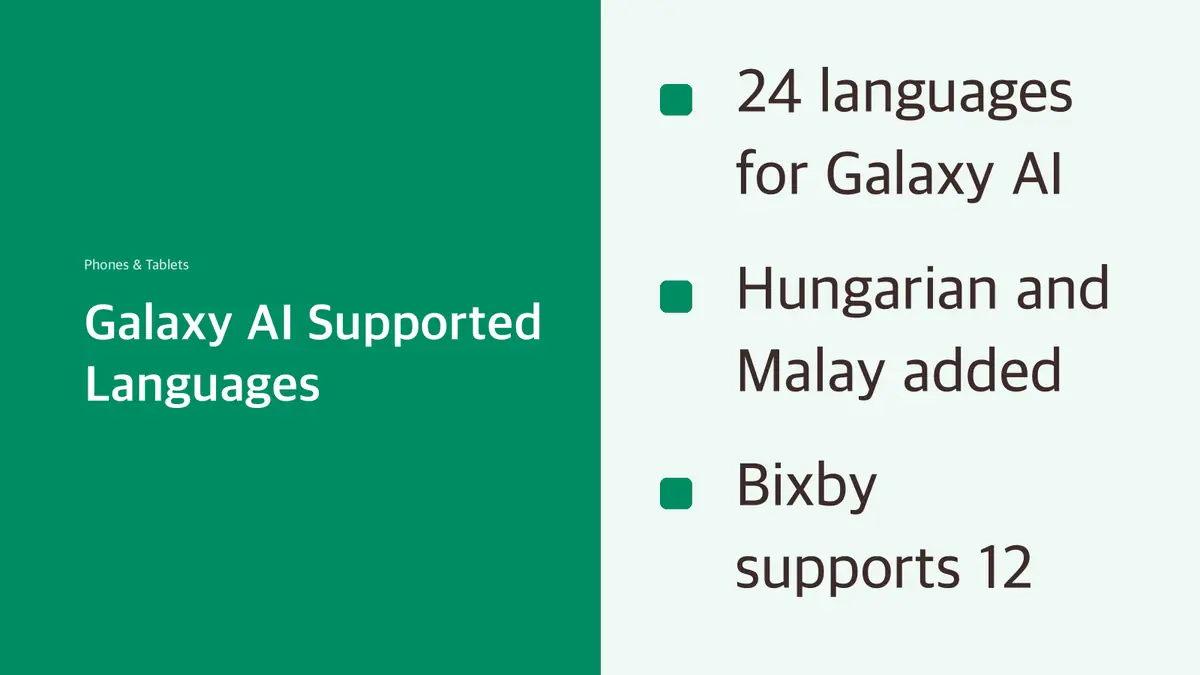
| Galaxy AI (Call Assist, Note Assist, Interpreter, Transcript Assist) | 22 | 24 | Hungarian, Malay |
| Now Nudge | 16 | 24 | Dutch, Filipino, Gujarati, Hungarian, Malay, Romanian, Swedish, Turkish |
| Bixby | 9 | 12 | Polish, Thai, Vietnamese |
Galaxy AI and Now Nudge both land at 24, but they are different features. Now Nudge suggests a next step based on what's on your screen.
Rollout: Bixby's new languages started on October 14. Samsung said the new Galaxy AI languages would follow "in the coming weeks," and that schedules and features vary by device and country. If Hungarian or Malay isn't on your phone yet, it hasn't reached your device or region.
Bixby's 12 languages
Chinese (China mainland), English (India, UK, U.S.), French, German, Italian, Japanese, Korean, Polish, Portuguese (Brazil), Spanish (Latin America, Spain), Thai and Vietnamese.
Arabic, Hindi, Russian, Dutch, Turkish and several others work with Galaxy AI translation but not with Bixby. Bixby also needs a Samsung Account login and a data connection. It may be limited while you record video, games or voice, during calls, and in Maximum Power Saving mode, Emergency mode or Samsung Kids.
How to download a Galaxy AI language pack
Samsung says some of the new languages download as language packs from the Settings app. Samsung's usage guide gives two routes:
From Settings:
- Open Settings and choose General management.
- Choose Language packs.
- Select and download the languages you want.
From the Phone app (for Live Translate on calls):
- Open the Phone app and tap the menu.
- Go to Settings > Live translate > Language.
- Select the language packs to download.
Menu names can differ slightly by model and One UI version. Downloading a pack over Wi-Fi saves mobile data.
How to use Live Translate and Interpreter
Live Translate on a call: start a call in the Phone app, select Call Assist > Live translate, then set the two languages at the top.
Interpreter (face to face): swipe down to open the Quick Panel, select Interpreter, set two languages, then tap the microphone to speak. Split-screen mode shows the translation to the other person.
Samsung notes that not every accent, dialect or expression is recognized. Results depend on pronunciation, how loudly you speak and background noise.
Sources
- Samsung Global Newsroom: Samsung Expands Language Support Across AI Experiences on Galaxy (October 14, 2026)
- Samsung Mobile Press: Language support expanded across Galaxy AI experiences
- Samsung Support: Galaxy AI languages and usage guide
Language lists are as of November 4, 2026. Samsung adds languages over time.