Last updated: November 4, 2026
Who can get a ChatGPT refund
OpenAI's refund article lists two kinds of cases.
Cases OpenAI may refund at any time:
- A verified OpenAI billing error
- A validated unauthorized charge
- A documented OpenAI service or access failure
The 7-day discretionary refund for an unused individual subscription. All of these must be true:
| Condition | What it means |
|---|---|
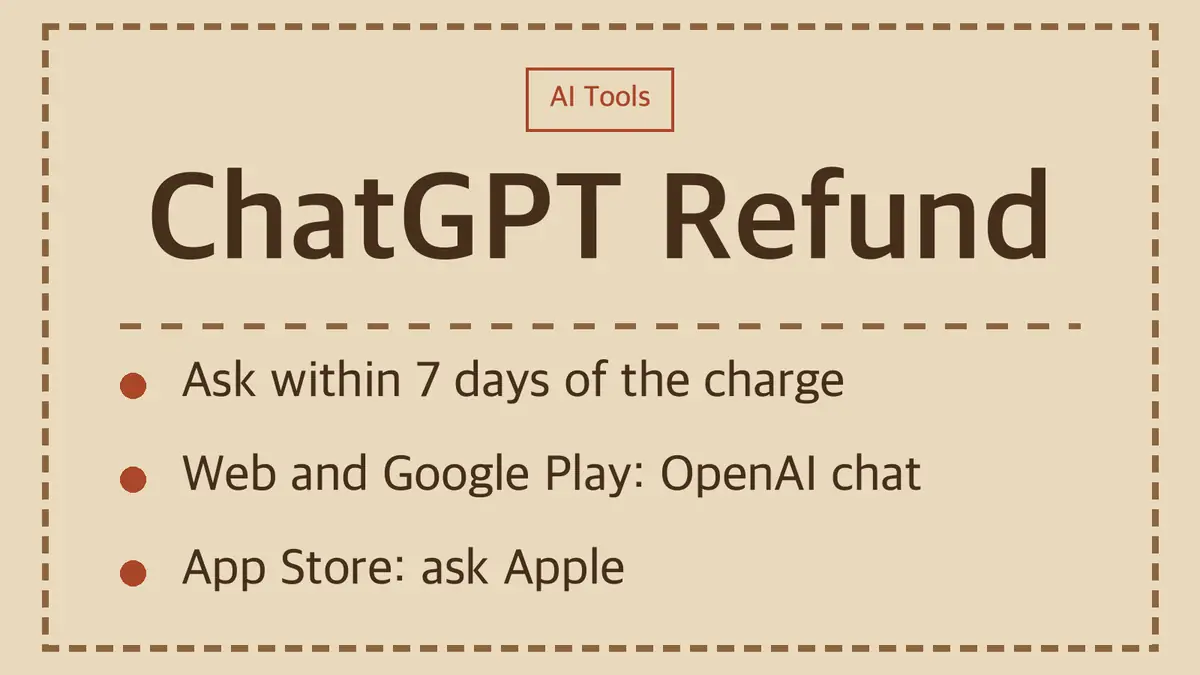
| You ask within 7 days of the charge | Count from the payment date, not from when you noticed |
| It is the current billing period | Last month's renewal is not covered |
| No substantial use | Heavy use since the charge rules you out |
| No repeat refunds | OpenAI limits how often one account gets refunds |
| No active payment dispute | A chargeback in progress blocks a separate refund |
| No confirmed abuse | Accounts flagged for misuse do not qualify |
You also have to give a reason and confirm that you understand your paid access ends once the refund goes through.
After 7 days, OpenAI says there is no automatic prorated refund. An accidental purchase, forgetting to cancel, being unhappy with the service or switching plans does not qualify by itself.
Where to request it, by how you paid
| Where you paid | Where to ask | OpenAI's processing estimate |
|---|---|---|
| chatgpt.com (web) | OpenAI Help Center chat | Within 5 to 7 business days if eligible |
| Google Play | OpenAI Help Center chat | Within 10 business days if eligible |
| Apple App Store | Apple, at reportaproblem.apple.com | Apple says expect an update in 24 to 48 hours |
Not sure which one billed you? Check the receipt. A subscription bought on chatgpt.com does not show up in your Apple or Google Play subscriptions list.
How to request a refund on the web or Google Play
- Log in to ChatGPT with the account that was charged.
- Go to help.openai.com and open the chat widget.
- Ask for a refund in the chat. Before you reach an agent, the system shows a short summary of your refund eligibility.
- Give your reason and confirm that access will end if the refund is approved.
If the chat says "requires_login" or can't find your subscription, select Log in on the Help Center, sign in to the account that was charged, then reopen the chat and ask again.
Google Play tip: if your Play order history shows several orders, find the original paid order in the Google account that paid. A separate order showing $0 does not tell you whether the paid order was refunded. Send the paid order's date and amount in the chat.
When the refund is processed, OpenAI emails a receipt to your account address. Check spam if you don't see it. OpenAI's timing covers its own processing. Your bank may take longer to show the money.
If part of the payment came from your ChatGPT wallet, an approved refund may go back to the wallet, and a mixed payment may be split between the wallet and your card.
How to request a refund from Apple
OpenAI does not handle App Store refunds. Apple's steps:
- Sign in to reportaproblem.apple.com.
- Choose "I'd like to," then "Request a refund."
- Pick a reason and choose Next.
- Select the ChatGPT subscription and choose Submit.
Apple says to wait 24 to 48 hours for an update. That is a decision, not a deposit. If Apple approves it, the money can take longer to reach your payment method.
Can't find the charge? Search your email for "receipt from Apple" or "invoice from Apple" to see which Apple Account paid, then sign in with that account. A pending charge can't be refunded until you get the receipt. A Family Sharing organizer can request refunds for family members' purchases.
Google Play's own 48-hour rule
Google Play says that within 48 hours of buying an in-app purchase or subscription, you may be able to get a refund from Google depending on the purchase details. After 48 hours, Google sends you to the developer. For ChatGPT, OpenAI's own instructions point Google Play buyers to the OpenAI Help Center chat, so that is the route to use.
Canceling is not the same as a refund
Canceling only stops the next renewal. OpenAI states that canceling "does not automatically refund previous charges."
| Cancel | Refund | |
|---|---|---|
| What happens to money already paid | Nothing comes back | The charge is returned if approved |
| Paid features | Stay on until the end of the billing period | Normally end right away |
| Where you do it | Where you subscribed | OpenAI chat or Apple |
Cancel on the web: account menu > Settings > Billing > under Cancel plan, select Cancel.
Cancel on iPhone or iPad: Settings > your name > Subscriptions > ChatGPT > Cancel Subscription.
Cancel on Google Play: Play Store app > Subscriptions > ChatGPT > Cancel subscription.
Cancel at least 24 hours before your next billing date. If you cancel later than that, the next charge may already have gone through. Deleting the ChatGPT app does not cancel anything, and deleting your OpenAI account does not cancel an App Store subscription.
Should you file a chargeback instead?
OpenAI cannot issue a separate refund while a payment dispute is active or after your bank has already returned the money through a dispute. If a dispute ends in OpenAI's favor and you did not get the money back, you can still ask OpenAI to review your eligibility. The practical order: ask OpenAI or Apple first, and go to your card issuer for charges you did not make.
Different rules outside the US
| Where you live | Rule from OpenAI's refund article |
|---|---|
| EU, UK, Turkey | Prorated refund if you cancel within 14 days of purchase |
| South Korea | Full refund within 7 days if unused, otherwise prorated from the request date |
| Brazil | First and second refunds in full within 7 days, with extra review from the third |
These regional rights apply on top of the general policy above.
ChatGPT Business seats
Unused seats in a self-serve Business workspace are generally non-refundable for the billing period you committed to. Support can review a verified seat-count error, a mistaken annual renewal or an accidental workspace deactivation. Contact the Help Center chat with your account email, workspace name or ID, invoice number, charge date and amount, and your reason.
Sources
- OpenAI Help Center: How do I request a refund for my ChatGPT subscription?
- OpenAI Help Center: Canceling your ChatGPT subscription
- Apple Support: Request a refund for apps or content that you bought from Apple
- Google Play Help: Apps, games, and in-app purchases refund policies
Policies are as of November 4, 2026. OpenAI updates this article often, so check the Help Center before you rely on a deadline.