Last updated: November 3, 2026
How Apple decides where a notification goes
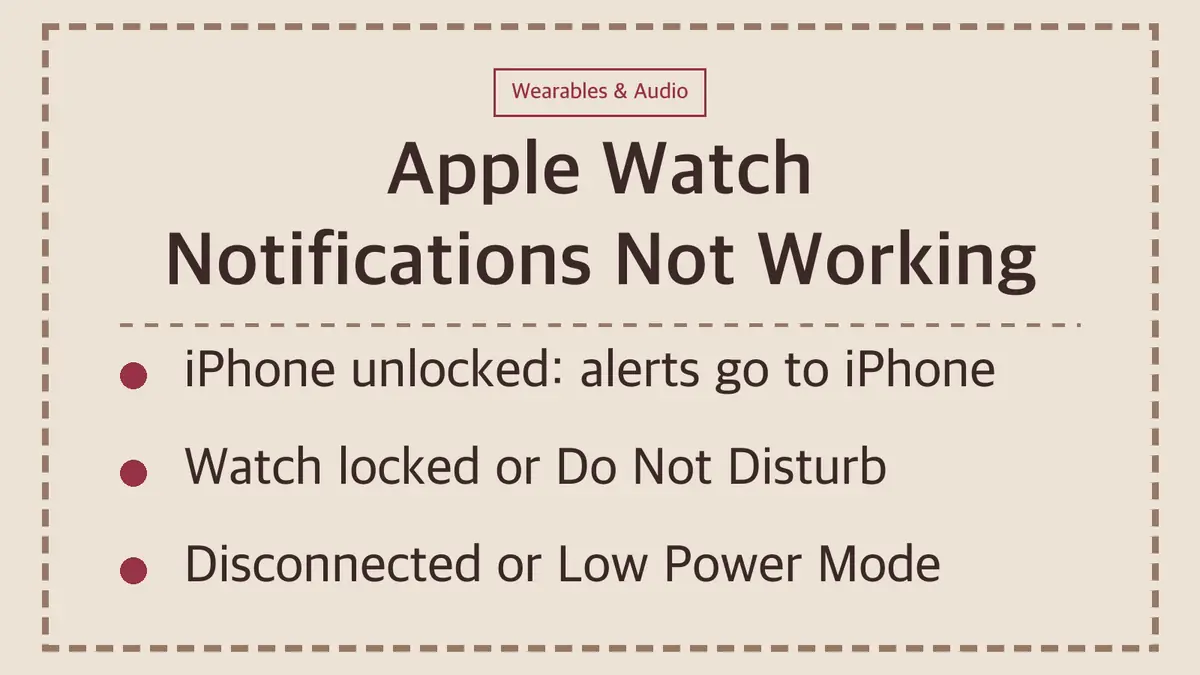
Apple's rule is simple, and it explains most "missing" watch notifications:
| Situation | Where the notification appears |
|---|---|
| iPhone unlocked and in use | iPhone |
| iPhone locked or asleep, watch unlocked on your wrist | Apple Watch |
| iPhone locked, but watch locked | iPhone |
| Watch-only app, such as the Noise app | Apple Watch only |
So if you check your watch while you are scrolling on your phone, nothing will be there. That is normal behavior, not a fault. When you read or dismiss a notification on the watch, it is also dismissed on the iPhone.
1. Your Apple Watch is locked
A locked watch sends notifications to the iPhone. When the watch is locked, a lock icon appears on the watch face.
The usual cause is Wrist Detection. With it on (the default), the watch locks automatically when you are not wearing it.
To unlock automatically when you unlock your iPhone: open the Watch app on your iPhone, tap My Watch > Passcode, then turn on Unlock with iPhone. Your iPhone must be within normal Bluetooth range, about 33 feet (10 meters).
2. Do Not Disturb is on
When Do Not Disturb is on, notifications go to your iPhone and the Do Not Disturb icon shows on the watch face. To turn it off, swipe up on the watch face, then tap the Do Not Disturb icon.
3. The watch and iPhone are disconnected
When the two disconnect, notifications go to the iPhone. Press the side button on the watch to open Control Center. A red iPhone icon, a red X or the Wi-Fi icon means they are not connected through Bluetooth. Apple's fix order:
- Keep the watch and iPhone close together.
- On the iPhone, open Control Center: Airplane Mode off, Wi-Fi and Bluetooth on.
- On the watch, open Control Center and make sure Airplane Mode is off.
- Restart the Apple Watch and the iPhone.
- If they still will not connect, unpair the watch and pair it again.
Unpairing is the last step, not the first. Try a restart before you erase anything.
4. Low Power Mode changes how alerts work
In Low Power Mode, the Always On display is off, so you may not see an alert unless you raise your wrist. If your iPhone is not nearby, incoming calls and notifications are turned off and missed ones are fetched once an hour. Heart rate notifications are also turned off.
5. The app's notifications are off or silenced
If only one app is missing, check its settings. Open the Watch app on your iPhone, tap My Watch > Notifications, then tap the app.
| Setting | What it does |
|---|---|
| Mirror my iPhone | Uses the same notification settings as on your iPhone (the default) |
| Allow Notifications | Alerts appear and the watch taps or sounds |
| Send to Notification Center | Alerts go quietly to Notification Center, with no sound or tap |
| Notifications Off | The app sends nothing to the watch |
Also check Mute 1 hour or Mute for Today. If you swiped left on an app's alert on the watch and chose one of these, its notifications go silently to Notification Center until the time is up. To undo it, swipe left on that app's notification, tap the More button, then tap Unmute.
Third-party apps (messaging, social and email apps not made by Apple) have one more rule: their notifications reach the watch only if your iPhone is connected to a network.
Notifications arrive, but you do not notice them
If alerts show up in Notification Center but the watch does not seem to tap or sound:
- The app may be set to Send to Notification Center (see the table above).
- Touch and hold the top of the watch face to open Notification Center and check what arrived.
- A red dot at the top of the watch face means unread notifications. If you never see it, the indicator may be turned off: Watch app > Notifications > Notifications Indicator.
Sources
- Apple Support: Notifications on your Apple Watch
- Apple Support: Wake and unlock Apple Watch
- Apple Support: Change notification settings on Apple Watch
- Apple Support: If your Apple Watch isn't connected or paired with your iPhone
Steps follow Apple's support documents as of November 3, 2026. Menu names can change with watchOS updates.