Skip to content

AllPassNote

  • About Us
  • Contact
  • Privacy Policy

PS5 HDMI

HDMI Cable Not Working? Check the Input, Then Get a 48Gbps Cable for 4K120
November 19, 2026 by AllPassNote Editorial Team
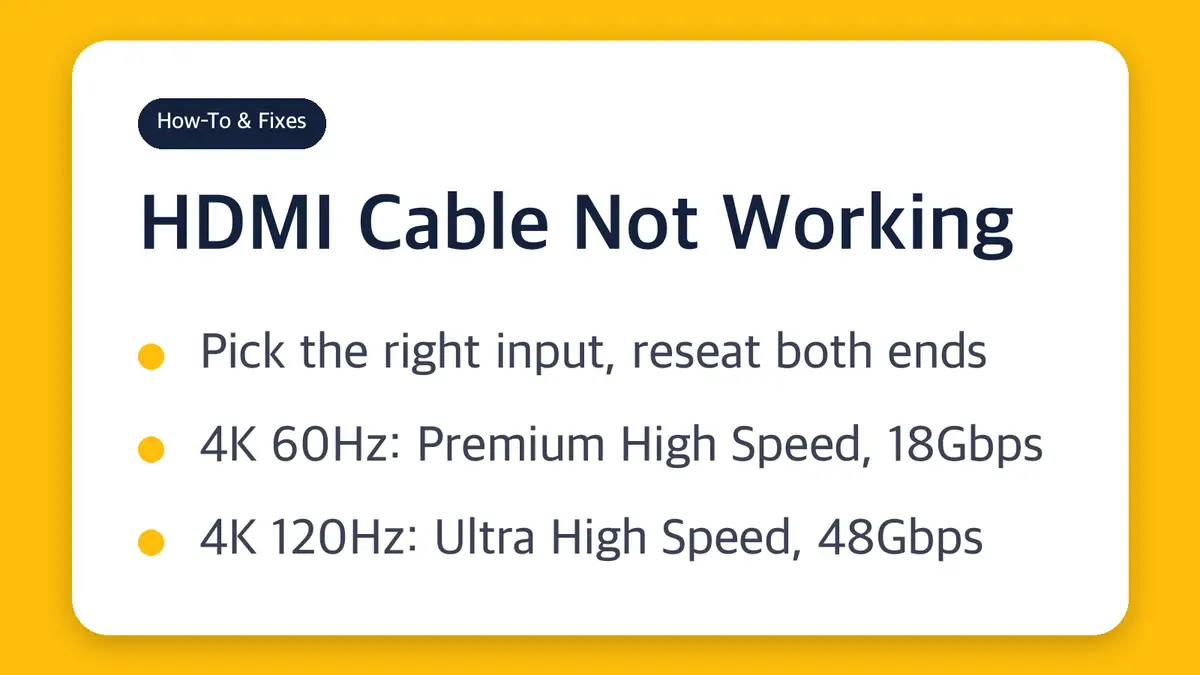
HDMI cable not working card: pick the right input and reseat both ends, 4K 60Hz needs a Premium High Speed 18Gbps cable, 4K 120Hz needs an Ultra High Speed 48Gbps cable

Most “no signal” problems are the input setting or a loose plug. When the picture fails only at 4K 60Hz or 4K 120Hz, the cable’s official rating is the next thing to check, and version numbers on the box won’t tell you.

Categories How-To & Fixes Tags 4K 120Hz, HDMI 2.1, HDMI cable not working, HDMI no signal, PS5 HDMI, Ultra High Speed HDMI cable

Recent Posts

  • HDMI Cable Not Working? Check the Input, Then Get a 48Gbps Cable for 4K120
  • One UI 9.5 Release Date: Beta by Early December, Stable in Spring 2027
  • Claude Usage Credits: 12-Month Expiry Starts Dec. 7, 2026
  • What Is HBM4 Memory? Stacked AI-Chip RAM With a 2,048-Bit Bus
  • Laptop USB-C Charger Wattage: Match Your Brick, 5A Cable Over 60W

Recent Comments

No comments to show.

Archives

  • November 2026

Categories

  • AI Tools
  • Chips & Memory
  • How-To & Fixes
  • PCs & Laptops
  • Phones & Tablets
  • Wearables & Audio
© 2026 AllPassNote • Built with GeneratePress