Last updated: November 3, 2026
Which reset method does your model use?
| Model | How to reset | Success signal |
|---|---|---|
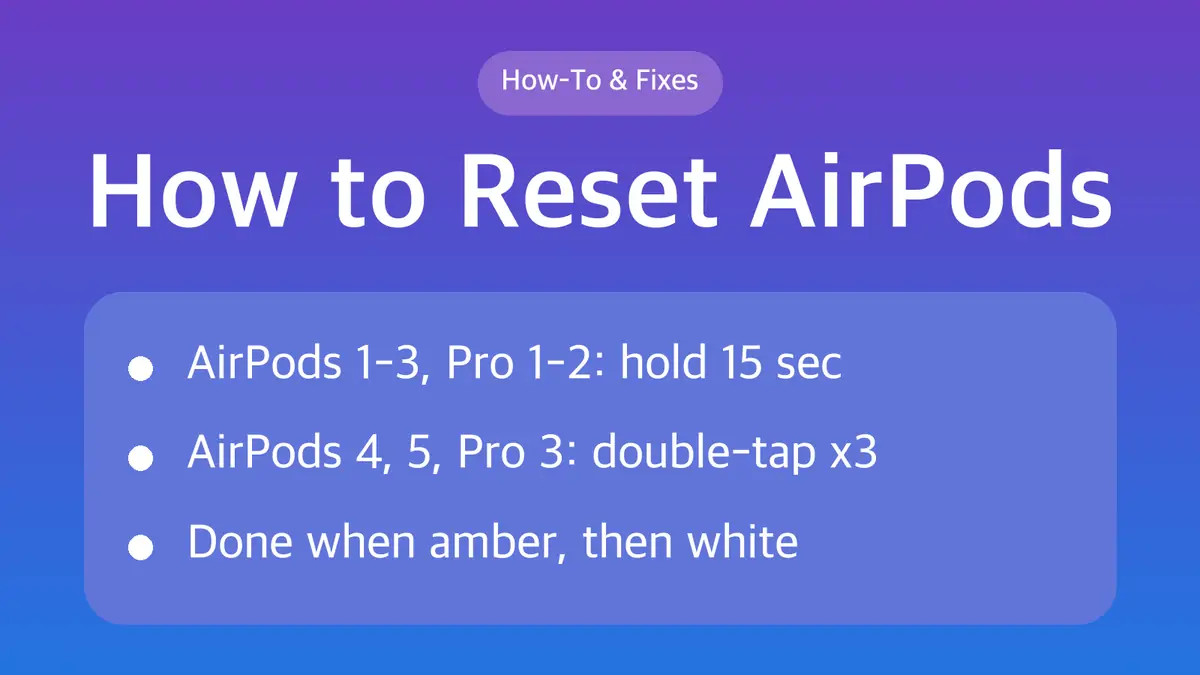
| AirPods 1, 2, 3 | Hold the setup button on the back of the case, about 15 seconds | Amber, then white |
| AirPods Pro 1, Pro 2 | Hold the setup button on the back of the case, about 15 seconds | Amber, then white |
| AirPods 4 (all models), AirPods 5 (both models) | Double-tap the front of the case three times | Amber, then white |
| AirPods Pro 3 | Double-tap the front of the case three times | Amber, then white |
| AirPods Max | Hold the Digital Crown and listening mode button, about 15 seconds | Amber, then white |
Not sure which you have? Apple's tap method applies only to AirPods 4, AirPods 5 and AirPods Pro 3. Every other model in the table uses the setup button on the back of the case.
Before you reset: try a restart first
A factory reset erases the pairing and settings. Apple suggests trying smaller fixes first:
- Update the device the AirPods are paired with.
- Restart the AirPods: put them in the case and close the lid for at least 10 seconds.
- Unpair them: on iPhone or iPad, open Settings, tap your AirPods' name near the top, then tap Forget This Device. This removes them from every device signed in to the same Apple Account.
If they still misbehave, or they will not charge, reset them.
How to reset AirPods 1, 2, 3 or AirPods Pro 1 and 2
- Put both AirPods in the charging case, close the lid and wait 30 seconds.
- On your iPhone or iPad, go to Settings > Bluetooth. If your AirPods are listed, tap the More Info button next to them, tap Forget This Device, then confirm.
- Open the lid of the case.
- Press and hold the setup button on the back of the case for about 15 seconds.
- When the light on the front flashes amber, then white, the reset is done.
- Keep the lid open, hold the case near your iPhone, and follow the setup steps on the screen.
How to reset AirPods 4, AirPods 5 or AirPods Pro 3
Apple's reset for these models uses taps on the front of the case instead of a button.
- Put both AirPods in the case, close the lid and wait 30 seconds.
- On your iPhone or iPad, go to Settings > Bluetooth, tap the More Info button next to your AirPods, tap Forget This Device, then confirm. Skip this if they are not listed.
- Open the lid.
- While the status light is on, double-tap the front of the case.
- When the light flashes white, double-tap again.
- When the light flashes faster, double-tap a third time.
- When the light flashes amber, then white, follow the setup steps on your iPhone.
The timing matters. Wait for each light change before the next double-tap.
If the light does not flash white
- Put the AirPods back in the case and close the lid for 20 seconds.
- Open the lid and repeat the reset for your model: hold the button about 15 seconds, or do the three double-taps.
If the light still will not turn white, contact Apple Support.
How to reset AirPods Max
AirPods Max use the buttons on the right headphone:
| Goal | What to do |
|---|---|
| Restart | Hold the Digital Crown and the listening mode button together until the light flashes amber (around 10 seconds), then release right away |
| Factory reset | Keep holding both buttons for about 15 seconds, until the light changes from amber to white |
Apple recommends charging AirPods Max to at least 50% before a restart or reset. Holding the buttons longer than about 10 seconds during a restart resets them, so let go as soon as you see amber if you only want a restart.
After the reset
- Reconnect with the case lid open near your iPhone. The setup animation appears on the Home Screen.
- AirPods Max are linked to one Apple Account. If you got a used pair, the previous owner must remove them from their account first.
- If you received a replacement earbud or case, connect the case to power, close the lid and wait 20 minutes before setup.
Sources
- Apple Support: How to reset your AirPods and AirPods Pro
- Apple Support: Restart, unpair, or reset your AirPods
- Apple Support: How to reset your AirPods Max
- Apple Support: Set up your replacement AirPods or charging case
Steps follow Apple's support documents as of November 3, 2026.