Skip to content

AllPassNote

  • About Us
  • Contact
  • Privacy Policy

Galaxy Apps screen button

Samsung Apps Button Missing? Get It Back in Home Screen Settings
November 15, 2026 by AllPassNote Editorial Team
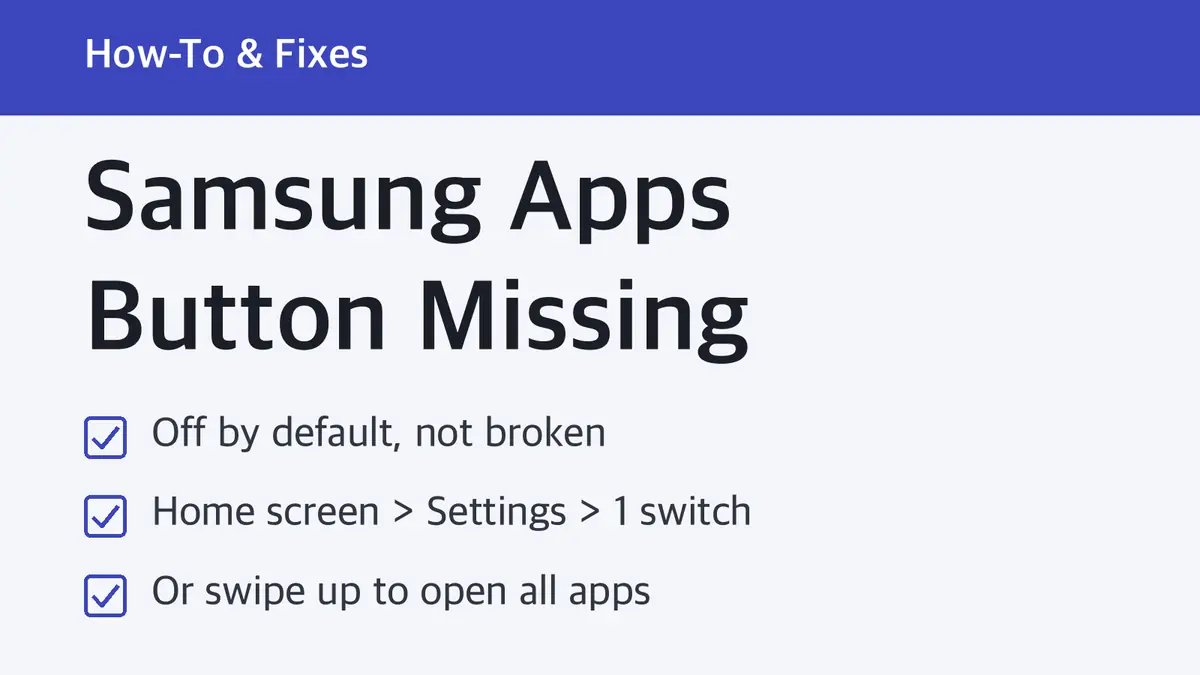
Samsung Apps button missing card: off by default, turn it on with one switch in Home screen settings, or swipe up to open all apps

Galaxy phones hide the Apps button by default to free up room for app icons. One switch in Home screen settings brings it back, and swiping up still opens every app.

Categories How-To & Fixes Tags Galaxy Apps screen button, One UI 9, One UI home screen settings, Samsung app drawer, Samsung Apps button missing

Recent Posts

  • Gemini 4 Hydrogen Pricing: $1.50 Input, $7.50 Output per 1M Tokens
  • Samsung Apps Button Missing? Get It Back in Home Screen Settings
  • Oakley Meta Vanguard Prescription: Not Available, HSTN Takes Rx
  • Galaxy Book 6 Price: From $799.99, Pro $1,799.99, Ultra $2,899.99
  • Claude Code Pricing: Not on Free, $20 Pro, $100 Max, $200 Ultra

Recent Comments

No comments to show.

Archives

  • November 2026

Categories

  • AI Tools
  • Chips & Memory
  • How-To & Fixes
  • PCs & Laptops
  • Phones & Tablets
  • Wearables & Audio
© 2026 AllPassNote • Built with GeneratePress